Online shopping has become a normal part of everyday life. I can buy clothes, electronics, groceries, books, home products, and almost anything else without leaving my house. It saves time and often gives me access to more choices than a physical store. At the same time, I believe online shopping requires a little more attention because not every website, seller, or offer can be trusted.
For beginners, shopping online can sometimes feel confusing. There are many websites, payment options, discounts, reviews, and delivery promises to consider. A mistake can lead to losing money or sharing personal information with the wrong person.
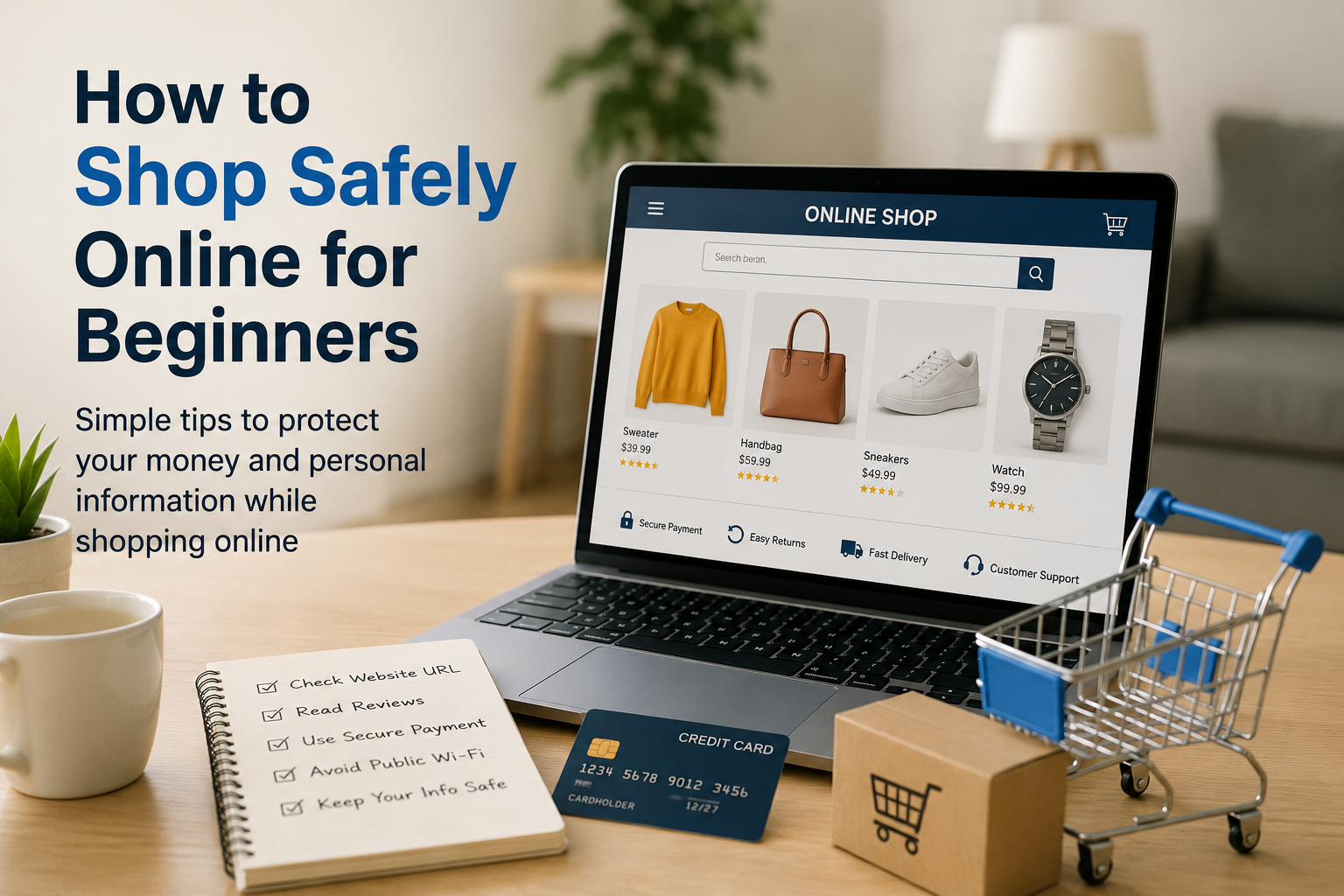
The good news is that safe online shopping is not difficult. In my experience, a few simple habits can make a big difference. In this article, I will explain how beginners can shop safely online and avoid common problems.
Start With a Website You Trust
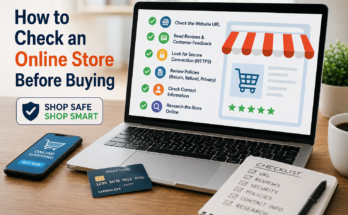
The first thing I look at before buying anything online is the website itself. I do not immediately enter my personal information just because a website has a product I want.
I check the website name carefully and make sure the address is correct. Scammers sometimes create websites that look very similar to popular stores. They may use similar logos, colors, product photos, and names to make visitors believe they are shopping on a legitimate website.
I also look for basic information about the business. A trustworthy online store should normally provide information about its company, customer support, return policy, shipping details, and privacy practices.
If a website looks unfinished, contains many strange errors, or has contact information that seems suspicious, I prefer to leave it and find another seller.
Check the Website Address
One simple habit that can protect me from many online shopping scams is checking the website address before making a purchase.
I look carefully at the spelling of the domain name. A scammer may create a website with a name that looks almost identical to a genuine store but contains an extra letter or a slightly different spelling.
I also check whether the website uses HTTPS. A secure connection is important when entering information online. However, I do not consider HTTPS alone proof that a website is trustworthy. A fraudulent website can also use a secure connection.
For me, the website address is one of the first things I check before I continue with a purchase.
Research the Seller
Before purchasing from an unfamiliar seller, I like to do a little research. This is especially important when buying through online marketplaces where many different sellers offer products.
I look at the seller’s rating, customer feedback, number of previous sales, and how long the seller has been active. I also read reviews instead of looking only at the overall rating.
If almost every review looks identical or extremely positive, I become cautious. Genuine customer experiences usually contain different opinions. Some people may praise the product while others may mention small problems.
I also pay attention to recent reviews because a seller’s quality can change over time.
Read Product Reviews Carefully
Reviews can be extremely helpful, but I do not blindly trust every review I see.
Before buying an expensive product, I usually read several reviews and look for common comments. If many customers mention the same problem, I take it seriously.
Photos uploaded by customers can also give me a better idea of what the product actually looks like.
I try to avoid making a decision based on one extremely positive or negative review. Instead, I look for patterns across many customer experiences.
Be Careful With Deals That Look Too Good
One of the biggest warning signs I watch for is an unbelievable discount.
If a product normally costs a large amount of money but suddenly appears on an unfamiliar website for a tiny fraction of the usual price, I do not immediately consider it a bargain. It could be a fake product, a misleading advertisement, or a scam.
This does not mean every cheap product is fraudulent. Sometimes genuine stores have sales and promotions. However, I compare prices across several trusted stores before deciding.
A little research can help me understand whether a discount is genuinely good or simply designed to make me act quickly.
Use Strong and Unique Passwords
My shopping accounts can contain valuable information, so I believe they deserve strong passwords.
I avoid using the same password for every website. If one website suffers a security problem and my password is exposed, criminals may try the same password on other accounts.
A strong password should be difficult to guess and should not contain obvious information such as my name or birthday.
Whenever a store provides two factor authentication, I prefer to enable it. This adds another layer of protection to the account.
Choose Payment Methods Carefully
Payment security is another important part of online shopping.
When possible, I prefer payment methods that provide some protection for buyers. Depending on the country and service, credit cards, certain digital payment services, or protected marketplace payments may offer useful dispute options.
I am also careful about sending money directly to an unknown seller through methods that provide little or no buyer protection.
Before making a payment, I check the final amount carefully. I look at the product price, shipping cost, taxes, and any additional fees.
Avoid Shopping on Public Wi Fi
Public Wi Fi can be convenient when I am at a cafe, airport, hotel, or other public location. However, I prefer not to use an unfamiliar public network for sensitive purchases.
If I need to shop while away from home, I usually use my mobile connection or a trusted network when possible.
The main idea is simple. When I am entering payment information or other sensitive details, I want to use a connection I trust.
Never Share Unnecessary Information
An online store may need certain information to complete an order, such as my name, delivery address, and payment details. However, I do not believe I should provide information that is not necessary for the purchase.
If a website asks for unusual personal information without explaining why it needs it, I become cautious.
I also never share passwords, verification codes, or security codes with someone who contacts me unexpectedly and claims to represent a store.
A legitimate company should not need me to give away sensitive account credentials through an unsolicited message.
Check the Return Policy
Before buying something expensive, I always think about what will happen if the product is damaged, incorrect, or simply does not meet my expectations.
That is why I read the return and refund policy before completing a purchase.
I check how many days I have to return an item, who pays return shipping, whether certain products are excluded, and how refunds are processed.
A product may look perfect in an advertisement, but the return policy becomes very important if something goes wrong.
Keep Records of Your Orders
I recommend keeping order confirmations, receipts, tracking information, and important messages related to purchases.
These records can be useful if I need to contact the seller or request a refund.
Most online stores automatically send an order confirmation by email. I keep these messages until I receive the product and make sure everything is correct.
For expensive purchases, keeping records for a longer period can also be helpful.
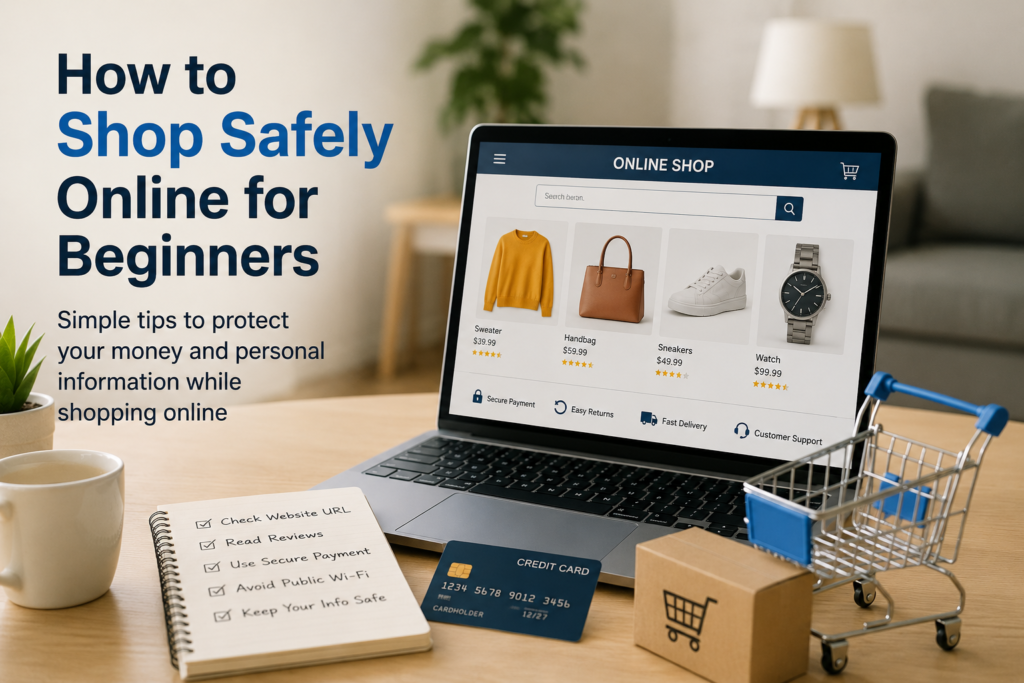
Be Careful With Emails and Messages
Scammers often use fake delivery messages, discount offers, and account alerts to trick shoppers.
For example, I might receive a message claiming that my package cannot be delivered unless I pay a small fee. Instead of clicking the link immediately, I open the official shopping or delivery website separately and check the order there.
This is an important habit because scammers often create a sense of urgency. They want people to react quickly without thinking.
Whenever a message asks me to provide payment information or login details, I verify it independently first.
Keep Your Devices Updated
Safe online shopping also depends on the device I use.
I keep my computer and phone updated because software updates often include important security improvements. I also use reputable security software and avoid installing unknown applications just because a website recommends them.
I use a screen lock on my phone and computer as another basic layer of protection.
These steps may seem simple, but good security usually comes from several small habits working together.
What I Do Before Clicking Buy
Before I complete an online order, I like to pause for a moment and ask myself a few questions.
Is this the correct website?
Do I know who the seller is?
Have I checked the reviews?
Is the price realistic?
Have I read the return policy?
Am I using a secure payment method?
Have I checked the final price?
If something feels wrong, I do not rush. I would rather spend a few extra minutes researching a purchase than regret it later.
Final Thoughts
In my opinion, safe online shopping is mostly about slowing down and paying attention. Beginners do not need to become technology experts to protect themselves. They simply need to develop a few good habits.
I check websites carefully, research unfamiliar sellers, read reviews, use strong passwords, choose payment methods wisely, avoid suspicious links, and protect my personal information. I also pay attention to return policies and keep records of my purchases.
Online shopping can be convenient, affordable, and enjoyable when it is done carefully. The biggest mistake is usually rushing because of a limited time offer or an exciting discount.
My advice to anyone new to online shopping is simple: take your time, trust your instincts, and research before you pay. A few minutes of caution can save you money, protect your personal information, and make your online shopping experience much safer.