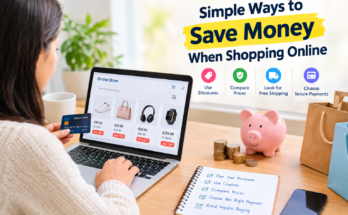
Online shopping has made buying almost everything easier than ever. Whether I want to purchase a smartphone, clothing, home appliances, books, or everyday household products, I can find hundreds of options within a few minutes. However, one thing I have learned is that finding a product online is easy, but finding it at the right price requires a little research.
Many shoppers make the mistake of purchasing the first product they see, especially when a website displays a discount or limited time offer. I believe that comparing prices before buying anything online is one of the simplest ways to save money and make smarter shopping decisions.
Price comparison is not only about finding the cheapest product. It is also about understanding product quality, checking seller reliability, comparing delivery charges, and making sure that the money I spend provides real value.
In this guide, I will explain how to compare prices before buying anything online, which tools can help, and what important details every online shopper should consider before completing an order.
Why Is Price Comparison Important in Online Shopping?
When I shop online, I often notice that the same product is available on different websites at different prices. One store may offer a product for $50, while another may list the same item for $65.
At first glance, the cheaper option looks like the obvious choice. However, the final cost may change after adding shipping fees, taxes, or other charges.
This is why online price comparison is important.
By comparing prices, shoppers can:
- Save money on regular purchases.
- Identify genuine discounts and promotional offers.
- Avoid paying more than the average market price.
- Discover better products within their budget.
- Compare seller ratings and customer experiences.
- Make more confident purchasing decisions.
From my perspective, spending a few extra minutes researching a product is much better than regretting an unnecessary purchase later.
1. Search for the Same Product on Multiple Websites
The first step I recommend is checking the same product on different online shopping platforms.
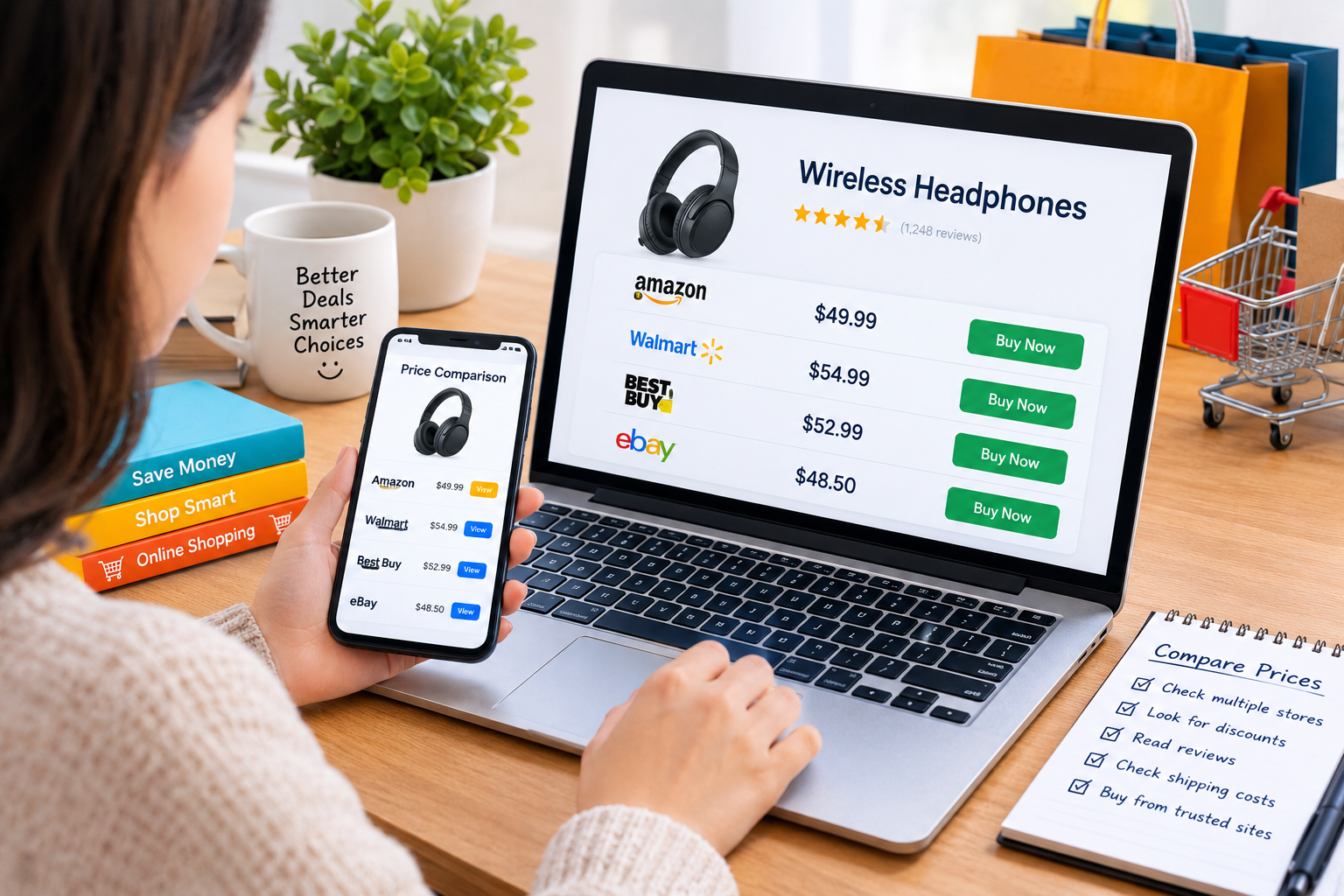
For example, if I want to purchase wireless headphones, I may compare listings on Amazon, Walmart, eBay, and the manufacturer’s official website.
Each retailer may have a different pricing strategy. Some offer seasonal discounts, while others provide special deals for registered customers.
However, I always make sure that I am comparing the exact same model.
Two headphones may look almost identical but have different battery capacities, sound features, or warranty coverage. Comparing their prices without checking specifications can lead to a poor decision.
My approach is simple. I search for the product name and model number, open several listings, and note their prices before deciding where to buy.
2. Calculate the Total Cost Instead of Looking Only at the Listed Price
One of the most common online shopping mistakes is focusing only on the displayed product price.
Imagine that I find a kitchen appliance listed at $80 on one website and $75 on another. Naturally, the second store appears cheaper.
However, the first store offers free shipping, while the second charges $10 for delivery.
The final comparison looks different.
| Shopping detail | Store A | Store B |
|---|---|---|
| Product price | $80 | $75 |
| Shipping | Free | $10 |
| Total cost before tax | $80 | $85 |
In this example, Store A is actually the better deal.
Whenever I compare online prices, I consider the complete checkout amount, including shipping, taxes, handling fees, and any other applicable charges.
This simple habit helps me avoid misleading discounts and unexpected expenses.
3. Use Online Price Comparison Tools
Price comparison websites and browser tools can make online shopping much faster.
Instead of manually visiting dozens of stores, shoppers can use comparison services to discover different offers for the same product.
Some popular options include:
Google Shopping: Helps users discover products from multiple retailers and compare listed prices.
PriceGrabber: Provides product comparison features across participating retailers.
ShopSavvy: Offers product price comparison and barcode scanning features where supported.
CamelCamelCamel: Helps shoppers review historical Amazon price information for supported products.
These tools can be particularly useful when purchasing electronics, home appliances, furniture, and other expensive items.
However, I do not depend entirely on automated comparison results. Prices and availability can change quickly, and not every retailer is included.
I always visit the seller’s website to confirm the current price, product details, and delivery terms before placing an order.
4. Check the Product’s Price History
A discount does not always mean that a product is available at its best price.
Sometimes, retailers increase the original listed price before displaying a promotional discount. This can make an ordinary offer appear more attractive than it really is.
That is why checking price history can be helpful.
For example, if a laptop is currently advertised at $700 after a claimed $200 discount, I would like to know whether it was regularly selling for $700 or less during previous months.
Historical pricing tools can help shoppers understand whether a deal is genuinely attractive.
I personally think this step is especially important for expensive purchases because even a small percentage difference can result in meaningful savings.
5. Compare Product Quality and Specifications
The cheapest product is not necessarily the best purchase.
When comparing prices online, I believe product specifications should receive as much attention as the price itself.
For example, two smartphones may have similar designs but different storage capacities, camera systems, processors, and battery performance.
Likewise, two washing machines may have different energy efficiency ratings, warranty terms, and operating features.
Before buying, I recommend checking:
- Product model and version
- Material and build quality
- Size and dimensions
- Technical specifications
- Included accessories
- Warranty coverage
- Compatibility with existing devices
If a product costs slightly more but offers better durability and useful features, it may provide greater long term value.
My goal is not simply to spend less money. My goal is to purchase something that meets my needs without wasting my budget.
6. Read Customer Reviews Before Making a Decision
Customer reviews provide useful information that product descriptions sometimes fail to explain.
A product may look excellent in promotional photographs, but actual buyers can reveal issues related to quality, performance, packaging, or customer service.
When comparing online prices, I usually look at both positive and negative reviews.
I pay particular attention to repeated complaints. If several customers mention the same problem, I consider it a warning sign.
I also check whether reviews appear genuine and relate to the exact product model.
A slightly cheaper product from a seller with poor feedback may not be worth the risk.
For me, a trustworthy seller, reliable product quality, and reasonable pricing are more important than a small discount.
7. Look for Coupons, Cashback, and Seasonal Discounts
Another effective way to save money online is to check for additional discounts before checkout.
Many retailers provide promotional codes, first order discounts, loyalty rewards, or cashback offers.
Some websites also organize seasonal sales during events such as Black Friday, Cyber Monday, and other shopping festivals.
Before completing a purchase, I usually check whether a valid coupon is available.
However, I avoid purchasing unnecessary products simply because a discount is being offered.
For example, saving 20% on something I do not need is not a real saving. It is still money spent.
The best shopping deal is one that reduces the cost of a product I already planned to purchase.
8. Compare Seller Reputation and Return Policies
Online price comparison should also include the seller’s reputation.
A product offered at an unusually low price may come from an unfamiliar seller with limited customer feedback.
Before ordering, I recommend checking:
- Seller ratings and customer feedback
- Return and refund policies
- Warranty information
- Product authenticity
- Customer support availability
- Estimated delivery time
I also prefer shopping through secure websites that clearly explain their policies.
When buying branded electronics, cosmetics, or expensive accessories, checking whether the seller is authorized can help reduce the risk of counterfeit products.
A reliable seller may charge slightly more, but the additional cost can provide peace of mind.
9. Use a Simple Price Comparison Checklist
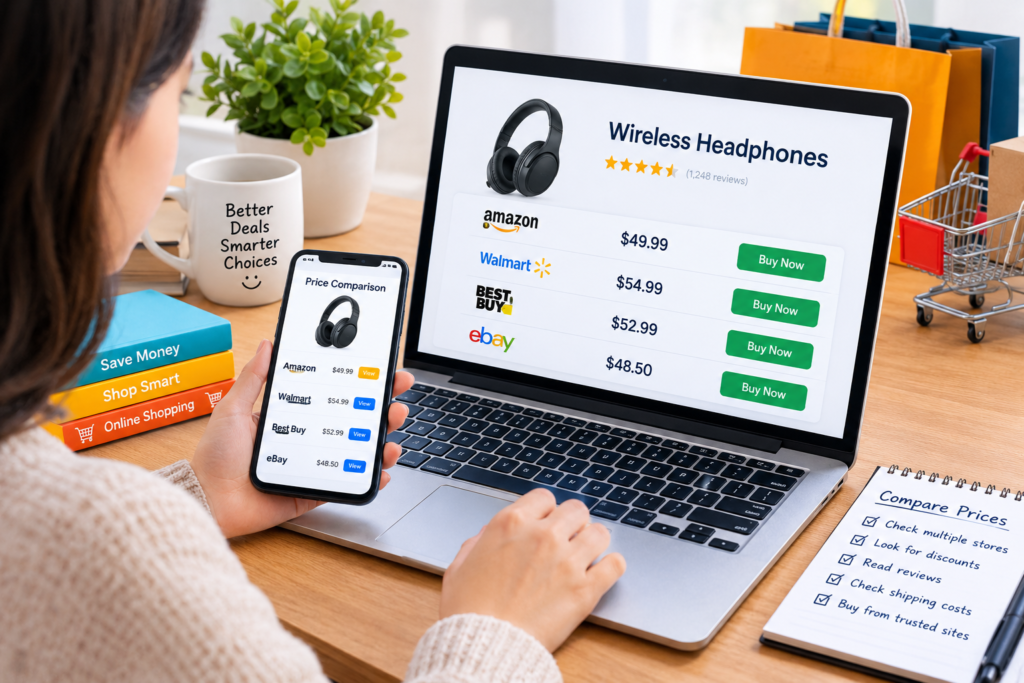
To make the process easier, I follow a basic checklist before purchasing an item online.
| Comparison factor | What I check |
|---|---|
| Product price | Listed price at different stores |
| Shipping | Delivery charges and fees |
| Quality | Specifications and materials |
| Reviews | Customer experiences |
| Seller | Reputation and reliability |
| Discounts | Coupons and cashback |
| Returns | Refund and exchange conditions |
| Final cost | Total amount at checkout |
This approach keeps my shopping decisions organized and prevents me from focusing on only one factor.
For expensive products, I may also maintain a small comparison sheet with the product name, seller, price, and important features.
10. Avoid Impulsive Buying and Artificial Urgency
Online stores often display messages such as limited time offer, only a few items left, or deal ending soon.
Sometimes these messages represent genuine stock or promotional limits. In other cases, they can encourage shoppers to make quick decisions.
I believe it is better to remain patient rather than purchase something simply because a countdown timer creates pressure.
If I am unsure about a product, I take some time to compare alternatives and review my budget.
For non urgent purchases, adding an item to a wishlist and checking its price later can be a useful strategy.
A good purchase should feel like a thoughtful decision, not a rushed reaction.
Common Mistakes to Avoid When Comparing Online Prices
Even experienced shoppers can make mistakes when searching for the best online deals.
Here are some common problems I try to avoid.
Ignoring delivery charges: A lower product price may become more expensive after shipping.
Comparing different models: Similar product names do not always mean identical specifications.
Trusting every discount: A displayed percentage reduction does not automatically represent a genuine bargain.
Ignoring seller reviews: An attractive price is not useful if the seller is unreliable.
Overlooking return policies: A difficult return process can make a cheap purchase costly.
Buying unnecessary products: Discounts should support planned purchases rather than encourage wasteful spending.
Avoiding these mistakes can make online shopping safer, more practical, and more affordable.
Final Thoughts
In my opinion, learning how to compare prices before buying anything online is an essential shopping habit in today’s digital world.
It does not require advanced knowledge or expensive software. A little research, a few reliable comparison tools, and careful attention to the final price can make a significant difference.
I believe the smartest online shoppers are not necessarily those who always purchase the cheapest products. They are the people who understand what they are paying for and choose products that offer the right balance of quality, price, reliability, and convenience.
Before making your next online purchase, take a few minutes to compare different stores, check customer reviews, review shipping costs, and confirm the seller’s return policy.
That small effort can help you protect your budget, avoid disappointing purchases, and become a more confident online shopper.
Frequently Asked Questions
What is the best way to compare prices online?
The best approach is to search for the exact product on multiple trusted websites, compare the complete checkout price, review specifications, and check seller ratings before purchasing.
Which websites can help me compare product prices?
Google Shopping, PriceGrabber, ShopSavvy, and CamelCamelCamel are examples of tools that can help shoppers compare prices or review pricing information for supported products.
Is the cheapest online product always the best choice?
No. Product quality, seller reliability, shipping costs, warranty coverage, and return policies are also important factors when evaluating a deal.
How can I find genuine online discounts?
Compare current prices with historical pricing information, check trusted coupon sources, and verify the final amount at checkout instead of relying only on advertised discount percentages.
Why should I compare prices before buying expensive products?
Price comparison can help identify better offers, understand product differences, avoid unnecessary expenses, and make more informed purchasing decisions.